This post was suppose to be a “look I made an SSD ZFS pool”, but will instead be the first post in a trouble-shooting series. Trying to get my SSDs to behave.
But — I am getting ahead of myself… Let’s start at the beginning.
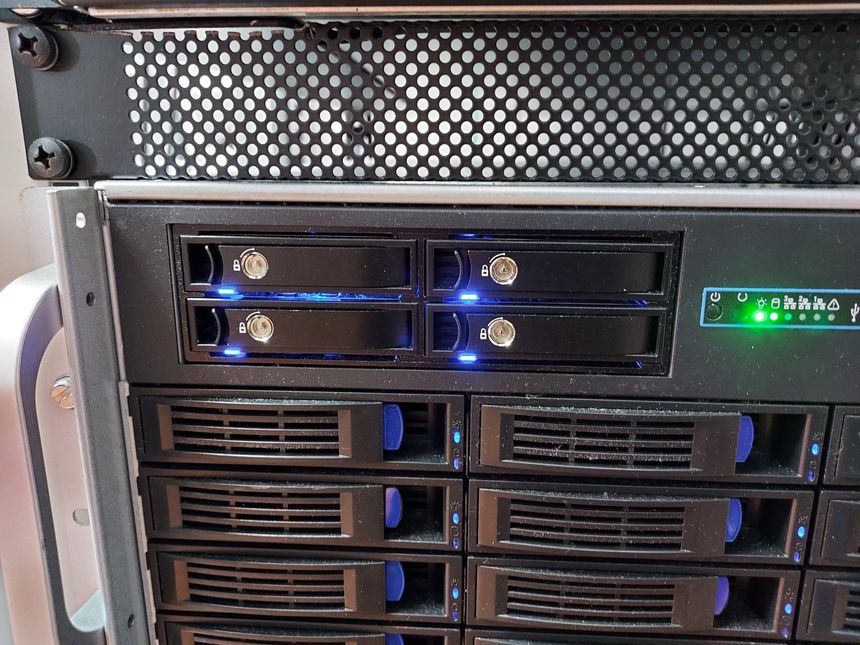
This post was suppose to be a “look I made an SSD ZFS pool”, but will instead be the first post in a trouble-shooting series. Trying to get my SSDs to behave.
But — I am getting ahead of myself… Let’s start at the beginning.

When moving my website back from MediaWiki to Hugo — I again started to think about adding comments. I’ve thought about this before, even tested quite a bit, and written about it.
I didn’t want to add heavy external resources, or compromise my readers privacy. This blog is static, and I’d like the comments to be static as well.

I am building my Hugo website on a local LXC container, using Gitea and Drone. There are plenty of tutorials on how to connected those two together, so I won’t go through that here.
Instead I want to show you how I build and deploy my staging and production environment to Nginx — using atomic deployments and unique preview URLs.
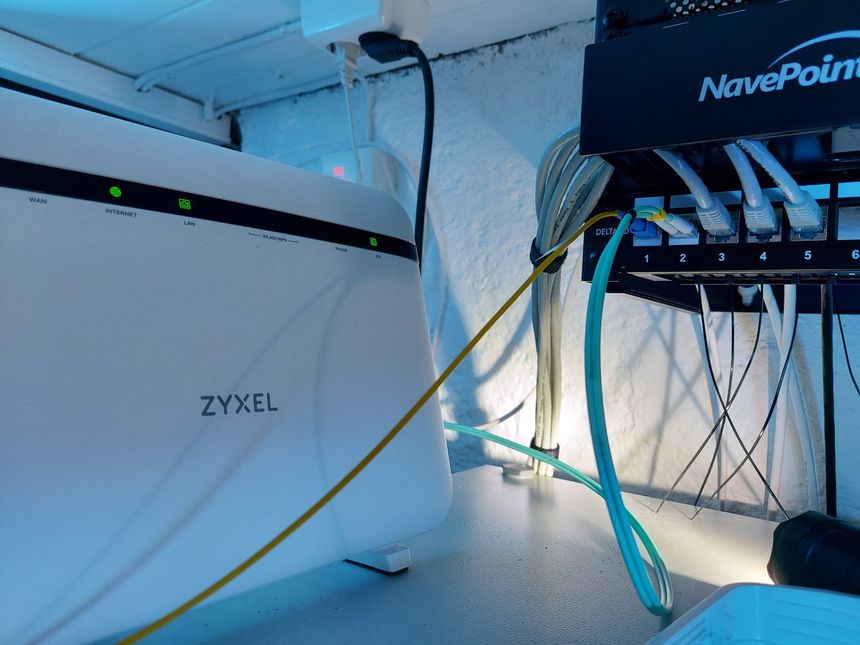
I have two fiber cables in my patch panel — a single-mode simplex SC from my ISP, and a multi-mode duplex LC for 10 GbE network to my desktop computer.

You can get burner like functionality in ProtonMail by using a custom sieve filter, and catch-all email — here is how.

In our new house there is an 20 m² basement, it consists of two rooms — both 10 m². I have turned the inner room into my new home office/server room, with my electronics lab and homelab.

In my previous post I wrote about turning Hugo aliases into Firebase redirects. Now — let’s convert them into a Nginx map file, and have Nginx redirect based on that file.

Using Firebase and Hugo? Use front matter aliases to automatically add redirects to your firebase.json configuration. Turning your aliases into proper 301 or 302 redirects.

I recently had a couple of 2 TB drives to spare, and thought I would put them to good use as a ZFS mirror on my Arch Linux desktop.
