When I was trying out Netdata last year — I noticed I had lots of inbound_packets_dropped_ratio warnings, on multiple nodes.
Time to investigate 👇
When I was trying out Netdata last year — I noticed I had lots of inbound_packets_dropped_ratio warnings, on multiple nodes.
Time to investigate 👇
I’ve looked into different video solution for this blog before — and, at the time, settled on using Coconut.co for encoding, AWS S3 for hosting, and Video.js for playing.
Bunny Stream was on the table back then, but I wanted a more hands on solution. Well — this time around I wanted a hands off solution, where the videos just work without me having to worry about it 🙂
And for that — Bunny Stream is pretty awesome, so that’s what I’m using now 👍
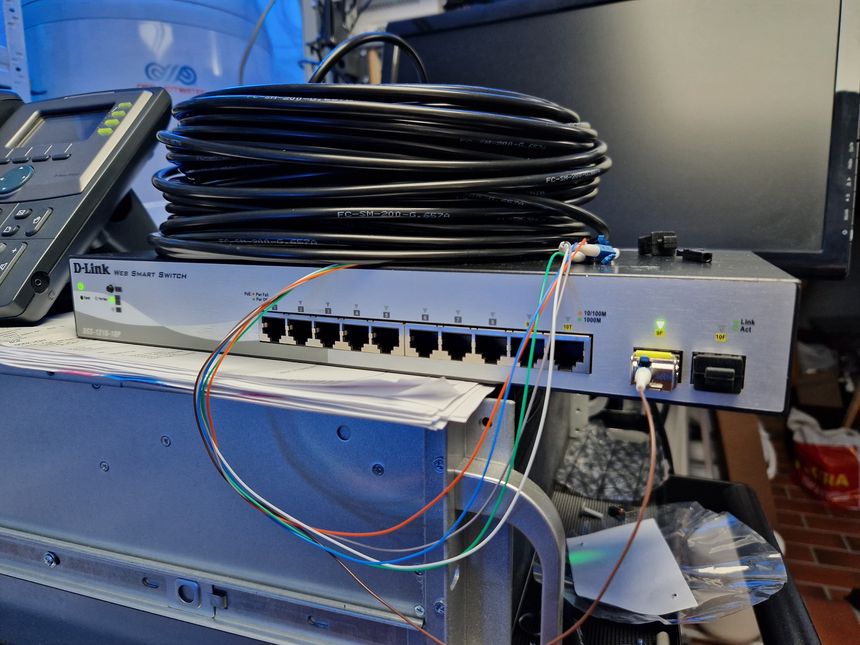
Getting network to the garage is a story with many chapters. I started out with Wi-Fi mesh, then CAT6 — and now, finally, fiber!
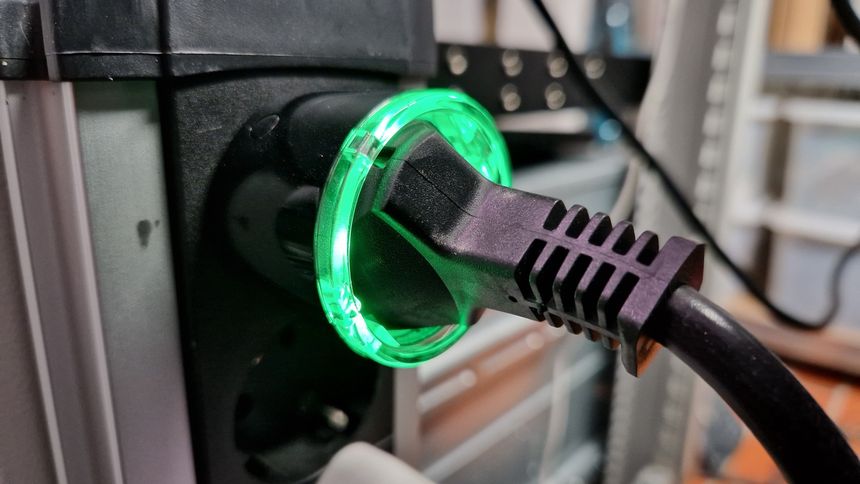
I’m using a Shelly Plus Plug S smart plug to measure the power usage of my homelab. I added it as a device in Home Assistant — and the power readings began! Kind of…
Within a few days; I noticed something strange with the graph history — there were long periods of time where the graph was completely flat. Logging into the Shelly web interface, I could see the watt reading changing — without this being reflected in Home Assistant.
As I have written before; I like the concept of blog post series. Break a large topic, or ongoing project, into multiple posts — while maintaining the chronological order.
But one key factor for a successful series implementation is the ease at which the read can navigate through the posts. And orient themselves within the series — meaning; understand where in the series they are currently reading.
My latest improvement on my series implementation is navigation buttons, for the previous and next post 👍
Sometimes, when I’m not too busy with my homelab or some other electronics project — I pretend to be a woodworker or carpenter.
This time I made a pub table, using an old kitchen tabletop of oak. I got it for free from a good friend, he had stored it in his barn for a number of years, and before that it was a desk.
It wasn’t in great condition, with lots of scratches and dents — even some black spray paint. But it was oak, and it was free 🙂
I’ve been having a strange problem with outgoing WireGuard traffic, the problem has probably always been there — I just haven’t noticed, until now. Outgoing WireGuard traffic is very slow, while incoming is what I’d except with my 750/750 fiber internet connection.
This lead me down a rabbit hole of testing performance internally, which I documented in a previous blog post. That turned out to be a queue issue on the SFP+ port on my MikroTik CHR router. Could this also be queue related?
Two years ago we dug and laid three conduits from the house to the garage, and from the garage to the shed. Primarily to get more power to the garage — and any power to the shed.
I used the opportunity to put in an additional conduit for fiber, and lots of conduits from the main switch board down into the basement.
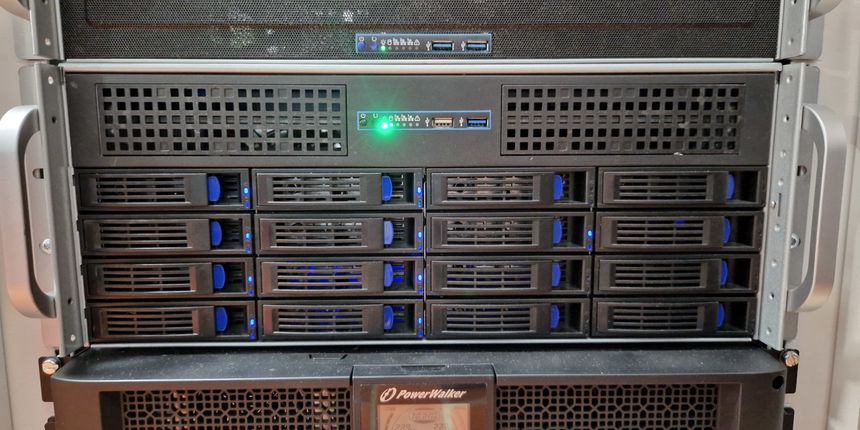
I built a rack out of wood in 2004 — it was at home, and a lab, of sorts, so I guess that makes it a homelab 🙂
Let’s take a trip down memory lane and look at 20 years’ worth of homelabbing ❤️
While doing some WireGuard testing between local peers; I noticed weird performance issues on my virtual MikroTik router. This lead me down a rabbit hole of testing the layer 3 throughput on my virtual CHR.
The bit rate started at close to 10 Gbit/s, but then dropped to 3-4 — only in one direction 🤷 Time to investigate…