
Hello again reader; I’ve been AFK for a few months — got fed up with computers and did other things 🙂
Setting up a virtual VyOS router
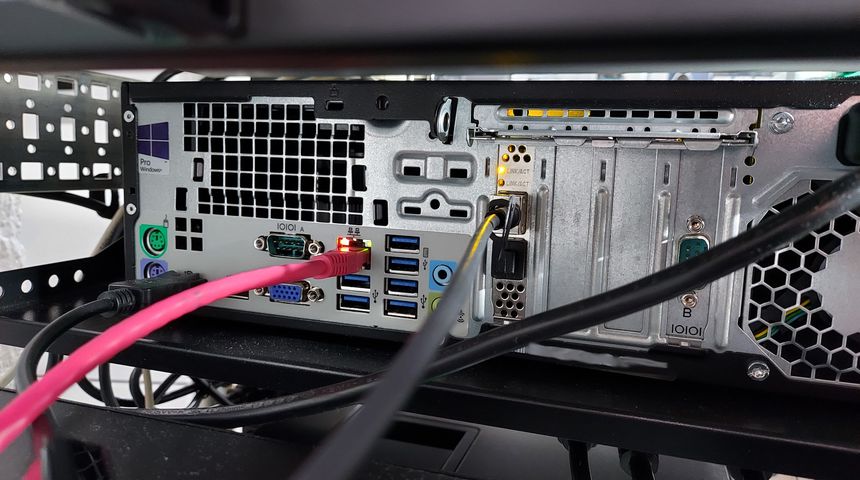
I’ve had many routers over the years — Linksys WRT54GL, Linux and iptables, ASUS RT-N66U, Ubiquiti USG, OPNsense, Ubiquiti EdgeRouter, and MikroTik CCR1009. At least those are the ones I can remember.
But I’ve been fascinated by VyOS ever since I first heard about it, even more so after using the EdgeRouter CLI. As both VyOS and EdgeOS are forks of Vyatta.
Fascinated and intimidated is probably more accurate — the lack of a GUI doesn’t give you a lot of help… But at the same time, it’s a great learning experience — you have to know and understand what you are doing 🙂
So I set out to replace my internet facing router — with a virtualized VyOS instance 🙂
More ducts for the balanced ventilation
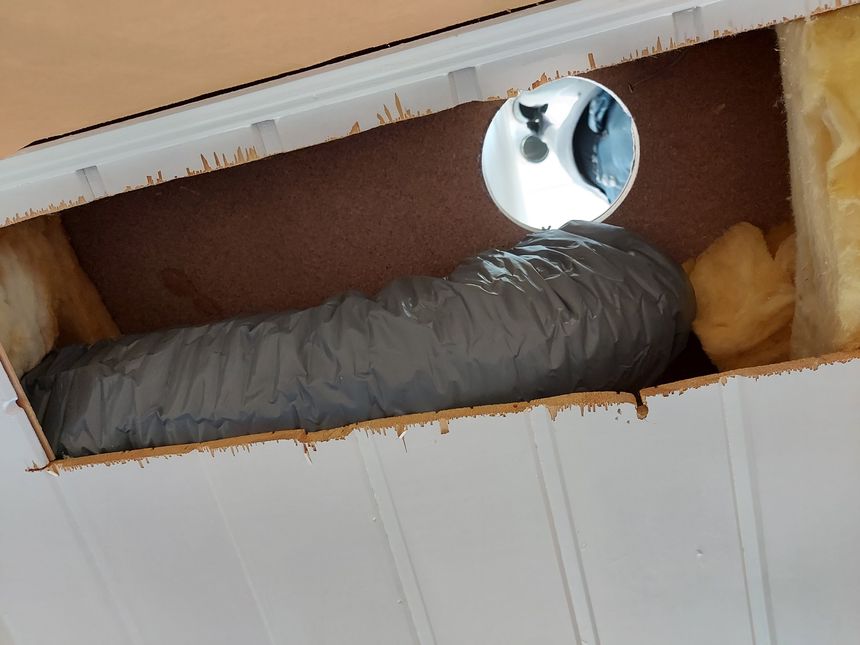
We got balanced ventilation installed last year, and have been very happy with the system 🙂 But we quickly found that we needed to expand it into two more rooms — the 1st floor bathroom, used as the laundry room, and the play room, which will be a bedroom at some point.
Time to fix that 🙂
Simple homelab status page — bash script, NetBox, and AWS

I set up a super simple status page for the homelab — using a small bash script, NetBox, AWS S3 and CloudFront.
But ended up using a hosted service instead — HetrixTools.
Homelab power upgrades — new MBP, PDU, and USB power
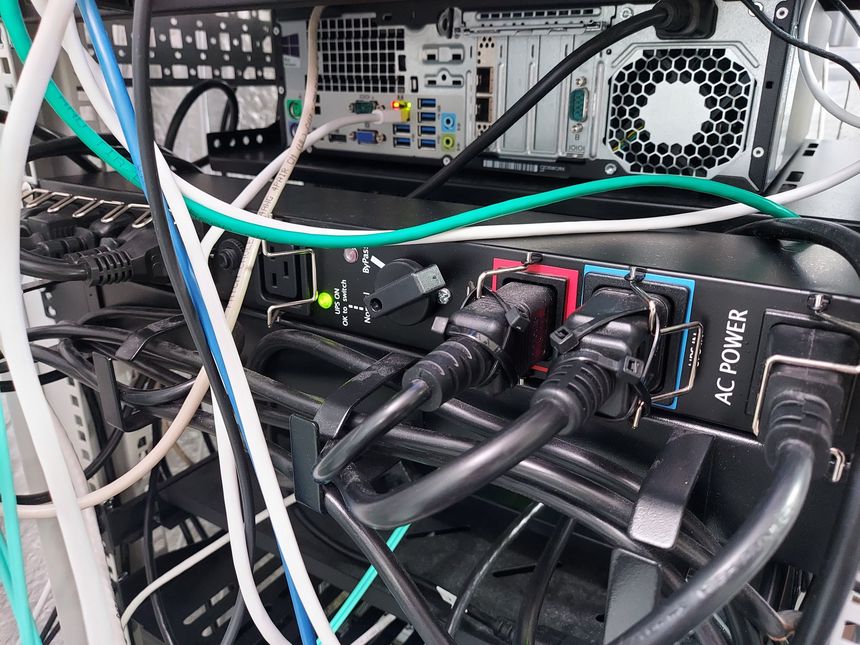
I’ve already written about my PDU suddenly dying — and in that post I explained that I was going to do some changes to the homelab power layout. It’s time to do those changes 🙂
Another ZFS pool expansion
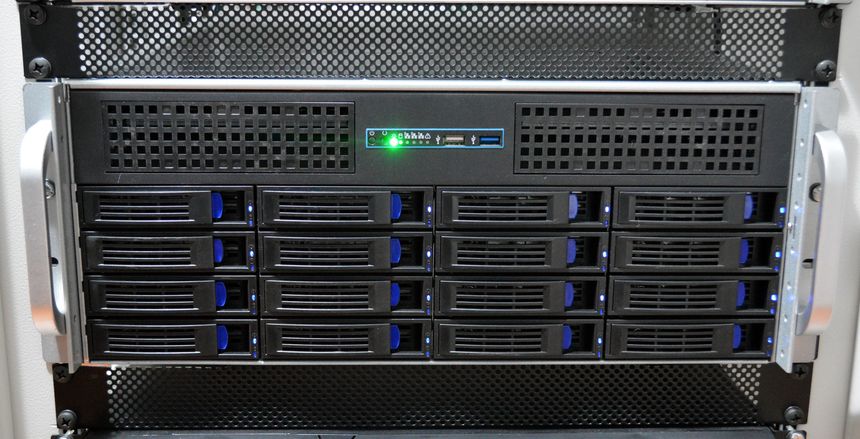
It’s time for another ZFS pool expansion. When I last expanded; I doubled the capacity of my 2nd vdev — going from 16 TB to 32 TB raw capacity. This time I’m doubling again — replacing the last limiting drive, and fully utilizing the all the 8 TB drives 😃
Scheduled S.M.A.R.T. scans

I’ve been planning to enable scheduled S.M.A.R.T. scans ever since I built my file server, but it was just one of those things that I never got around to do.
Well — when one of the 8 TB drives suddenly started reporting S.M.A.R.T. errors, the scheduled scans got back on the agenda. So let’s do that now 👇
Local email server — with Postfix and Dovecot

I have a local mail server with Postfix and Dovecot — I use it as a local SMTP smart host, and “notification center”.
While gathering information for this post; I discovered that my file server have been sending me emails, warning me of S.M.A.R.T. errors on a disk in the ZFS pool. Every day — since September!
So I’ve included a section on how to avoid missing important server emails.
Two CAT6 cables and a fiber — from the basement to the attic

Since we first moved into this house — I’ve wanted to ceiling mount a Wi-Fi access point on the 2nd floor. But getting a network cable to the attic was challenging, so instead I opted for a Unifi UAP-AC-IW in the upstairs living room.
It’s time to do it right, but I’m not running just one. My earlier Wi-Fi mapping revealed poor 5 GHz coverage in the kid’s rooms, so I’m running two CAT6 cables — for two ceiling mounted Wi-Fi access points.
To have the option of running more CAT6 to rooms on the 2nd floor later — I’m including a 10 Gbit fiber as well 😎
And as my previous runs — no visible cables.
The homelab PDU died!

My homelab PDU suddenly died! It’s dead, D-E-D, dead! There are few things worse than a server rack suddenly going completely silent…
The PDU has had an error since the power outage last summer — F11 means Power fail on auxiliary 1. Which is an odd error for a PDU with only one input. And; it wasn’t possible to clear or reset it it 😕