I set up a super simple status page for the homelab — using a small bash script, NetBox, AWS S3 and CloudFront.
But ended up using a hosted service instead — HetrixTools.
I set up a super simple status page for the homelab — using a small bash script, NetBox, AWS S3 and CloudFront.
But ended up using a hosted service instead — HetrixTools.
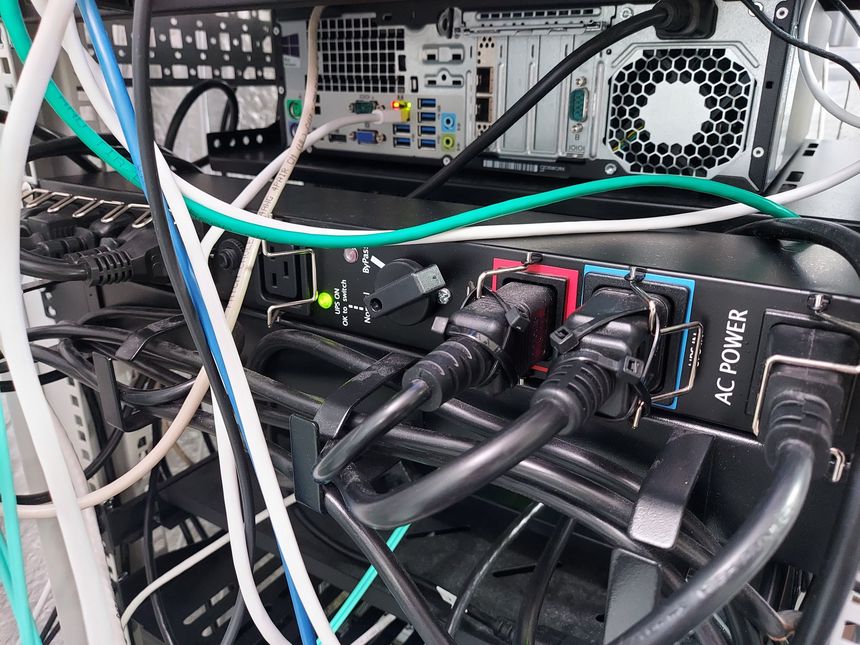
I’ve already written about my PDU suddenly dying — and in that post I explained that I was going to do some changes to the homelab power layout. It’s time to do those changes 🙂
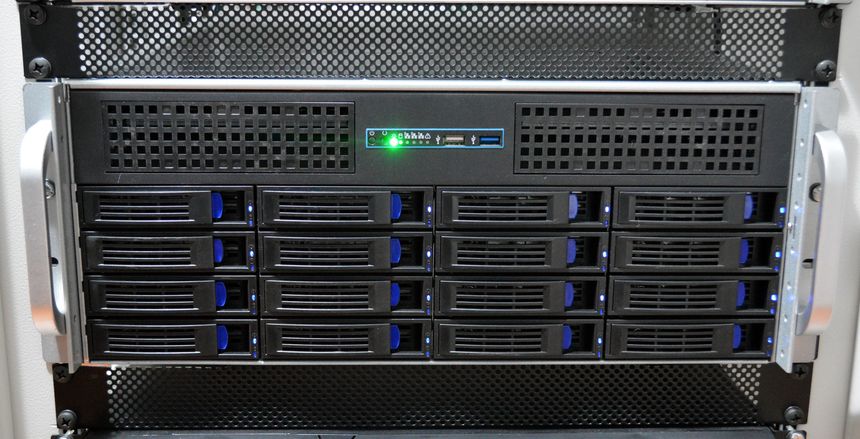
It’s time for another ZFS pool expansion. When I last expanded; I doubled the capacity of my 2nd vdev — going from 16 TB to 32 TB raw capacity. This time I’m doubling again — replacing the last limiting drive, and fully utilizing the all the 8 TB drives 😃
I’ve been planning to enable scheduled S.M.A.R.T. scans ever since I built my file server, but it was just one of those things that I never got around to do.
Well — when one of the 8 TB drives suddenly started reporting S.M.A.R.T. errors, the scheduled scans got back on the agenda. So let’s do that now 👇
I have a local mail server with Postfix and Dovecot — I use it as a local SMTP smart host, and “notification center”.
While gathering information for this post; I discovered that my file server have been sending me emails, warning me of S.M.A.R.T. errors on a disk in the ZFS pool. Every day — since September!
So I’ve included a section on how to avoid missing important server emails.
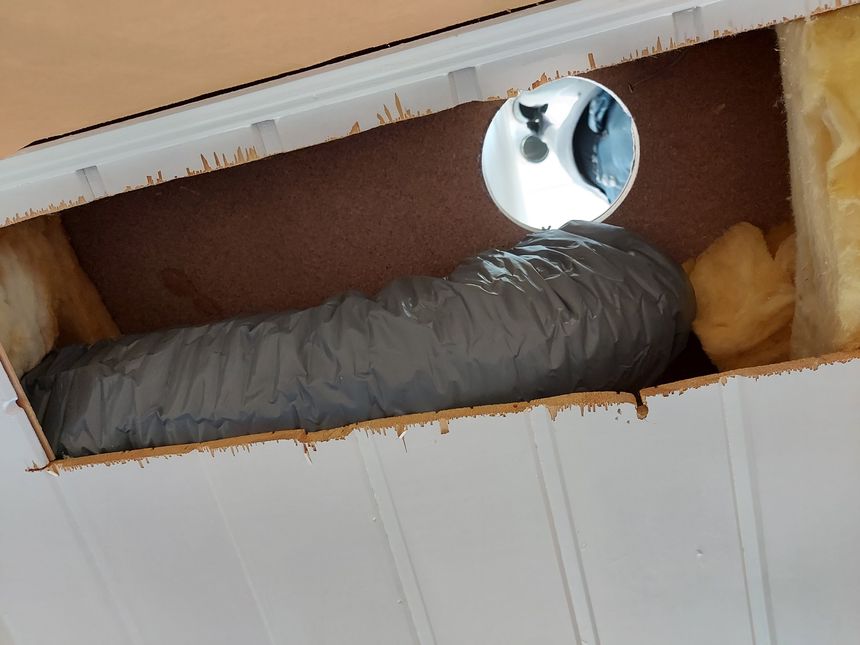
Since we first moved into this house — I’ve wanted to ceiling mount a Wi-Fi access point on the 2nd floor. But getting a network cable to the attic was challenging, so instead I opted for a Unifi UAP-AC-IW in the upstairs living room.
It’s time to do it right, but I’m not running just one. My earlier Wi-Fi mapping revealed poor 5 GHz coverage in the kid’s rooms, so I’m running two CAT6 cables — for two ceiling mounted Wi-Fi access points.
To have the option of running more CAT6 to rooms on the 2nd floor later — I’m including a 10 Gbit fiber as well 😎
And as my previous runs — no visible cables.
My homelab PDU suddenly died! It’s dead, D-E-D, dead! There are few things worse than a server rack suddenly going completely silent…
The PDU has had an error since the power outage last summer — F11 means Power fail on auxiliary 1. Which is an odd error for a PDU with only one input. And; it wasn’t possible to clear or reset it it 😕
In my new home office — I never got around to set up an organized system for my tools. I’ve had some in tool cases, others in boxes — with lids. Not a good system…
I’ve found that if something is out of arm’s reach, I’m far less likely to put it back when I’m done with it. So I’ve accumulated tools; on the bench, and on the floor.
But — with my new tool trolley; I’m hoping to solve all these issues 😎
Comments. I’ve written about them before, two times — but here we go again.
Long story short; I’ve spent some time thinking about adding comments, and think it might be time to give it another try. Why now? As my traffic numbers have gone up, so has the emails from readers. I don’t get a lot — by any measure, but I do get some with very good insight about the post.
I’d like to share that knowledge, but reworking it into the article is not always so easy. With a comment section; they could be put on display 🙂
I’m using a Raspberry Pi to communicate with the power equipment in my homelab rack; the UPS, ATS and PDU. For the UPS, I’m using NUT (Network UPS Tools), and for the ATS and PDU; my own PowerWalker Python library.
In this post I’ll be going through how I’ve set up the NUT server to communicate with my PowerWalker VI 1500 RT HID UPS, and NUT clients running on all other physical machines in the rack.