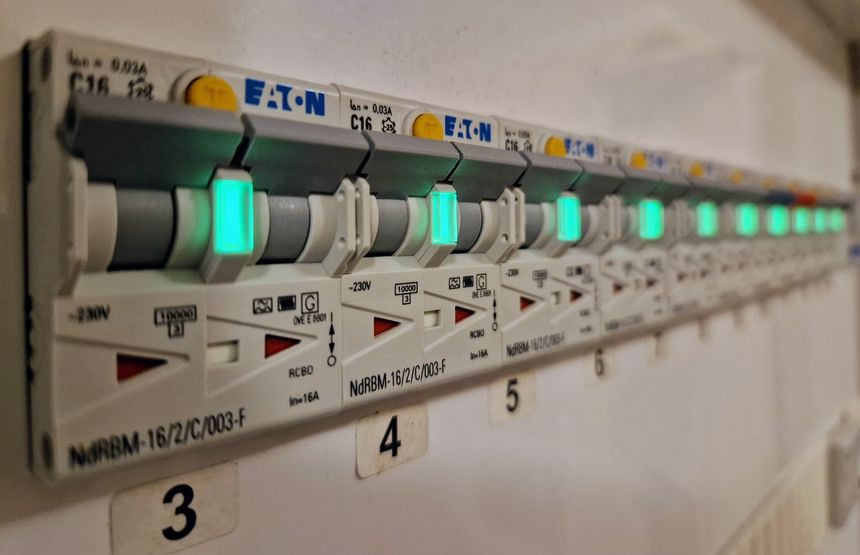
With the electricity prices we’ve seen in Europe lately — I wanted to see if we could reduce our energy consumption. I’m specifically looking at “wasted” energy, meaning usage we can reduce without even noticing it.
Collecting logs with Grafana Loki and Promtail
Having a central place to view or search through server logs is awesome. I’ve used Graylog in the past, but I’ve always felt it was a bit cumbersome to set up and use — and it felt overkill for my need.
Instead I gave Grafana Loki and Promtail a try 👇
A few more ventilation automations in Home Assistant
Controlling my Komfovent balanced ventilation system through Home Assistant — opens up a world of possibilities.
Here are three automations I use to make the system a bit smarter 🙂
Making planter boxes for Mona
Mona needed more places to plant her flowers, so I built her some planter boxes — using impregnated wood and lining the inside with landscape fabric.
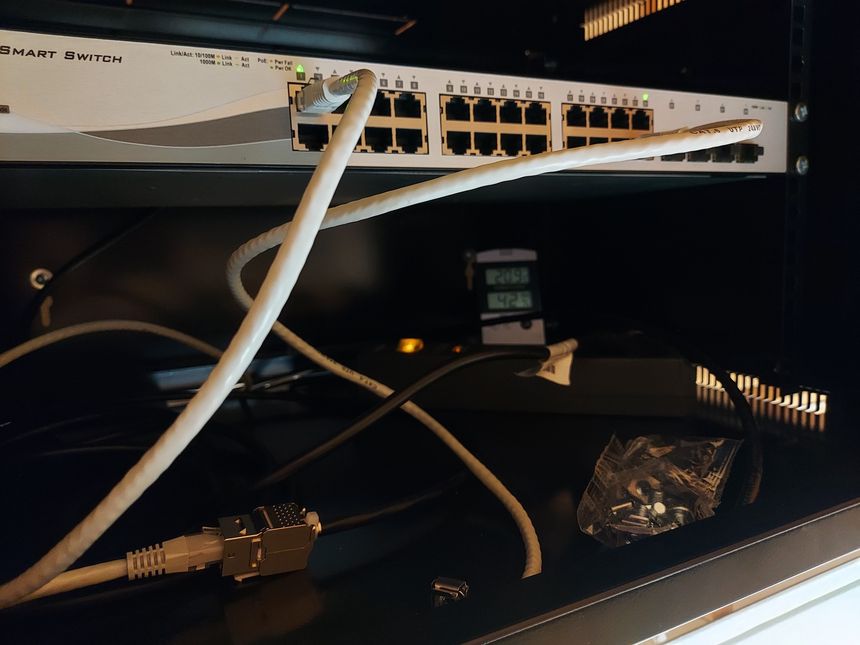
D-Link DGS-1210-28P initial setup
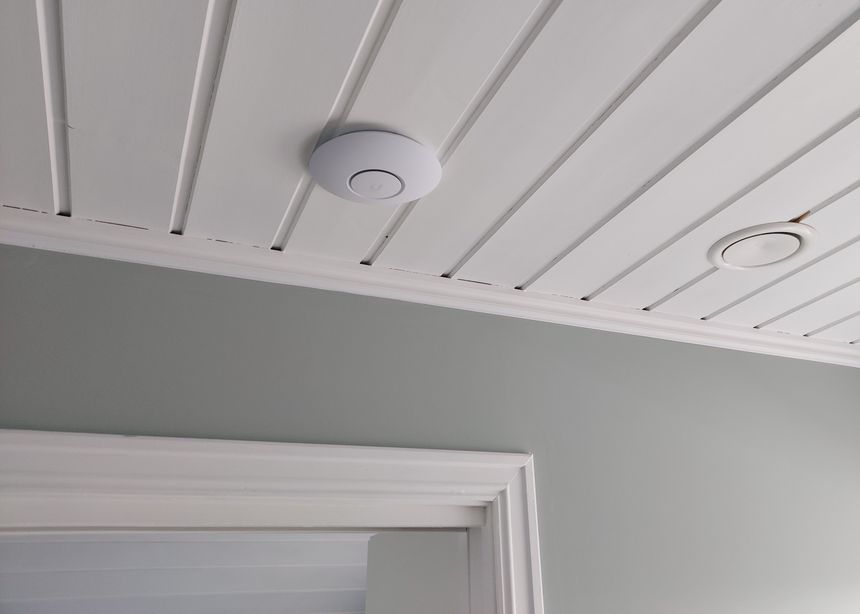
The Unifi UAP-AC-M access point in my garage stopped working a few weeks ago. Or, the device didn’t stop working, it still showed up in the Unifi controller and I could ping it. But it stopped providing Wi-Fi connectivity — my phone connected, but got no network access…
I remembered experiencing this before — the VLANs for user and guest Wi-Fi wasn’t allowed through the D-Link switch. I had simply not configured them, but why was it failing now?
Trying to log into the switch — I found that it no longer got an IP from the DHCP server. By all accounts; it looked like the switch had been reset.
Updated plans for my home network
Last year — I wrote about plans for my home network, or home network v2, as I called it. Let’s take a look at what I have done, what remains, and what has changed since then.
A few Wi-Fi improvements
After my Wi-Fi mapping adventure — I found a few spots with low Wi-Fi signal. Both kids’ rooms on the 2nd floor only had mediocre signal, at -67 and -68 dBm 2.4 GHz, and the side garden had -71 dBm — which is terrible!
I also discovered that Mona’s side of the bed had much worse Wi-Fi signal than my side. This was because I had a clear line of sight to the UAP-AC-IW in the den, but the signal to Mona’s side had to go through a wall and her wardrobe…
Simply not acceptable, something had to be done!
A life update
Hello again reader; I’ve been AFK for a few months — got fed up with computers and did other things 🙂
Setting up a virtual VyOS router
I’ve had many routers over the years — Linksys WRT54GL, Linux and iptables, ASUS RT-N66U, Ubiquiti USG, OPNsense, Ubiquiti EdgeRouter, and MikroTik CCR1009. At least those are the ones I can remember.
But I’ve been fascinated by VyOS ever since I first heard about it, even more so after using the EdgeRouter CLI. As both VyOS and EdgeOS are forks of Vyatta.
Fascinated and intimidated is probably more accurate — the lack of a GUI doesn’t give you a lot of help… But at the same time, it’s a great learning experience — you have to know and understand what you are doing 🙂
So I set out to replace my internet facing router — with a virtualized VyOS instance 🙂
More ducts for the balanced ventilation
We got balanced ventilation installed last year, and have been very happy with the system 🙂 But we quickly found that we needed to expand it into two more rooms — the 1st floor bathroom, used as the laundry room, and the play room, which will be a bedroom at some point.
Time to fix that 🙂