Organizing my tools — with a tool trolley

Organizing my tools — with a tool trolley

In my new home office — I never got around to set up an organized system for my tools. I’ve had some in tool cases, others in boxes — with lids. Not a good system…

I’ve found that if something is out of arm’s reach, I’m far less likely to put it back when I’m done with it. So I’ve accumulated tools; on the bench, and on the floor.

But — with my new tool trolley; I’m hoping to solve all these issues 😎

Read more →

Comments — again

Comments — again
Screenshot from the Isso website

Comments. I’ve written about them before, two times — but here we go again.

Long story short; I’ve spent some time thinking about adding comments, and think it might be time to give it another try. Why now? As my traffic numbers have gone up, so has the emails from readers. I don’t get a lot — by any measure, but I do get some with very good insight about the post.

I’d like to share that knowledge, but reworking it into the article is not always so easy. With a comment section; they could be put on display 🙂

Read more →

PowerWalker UPS, NUT, and Home Assistant

PowerWalker UPS, NUT, and Home Assistant

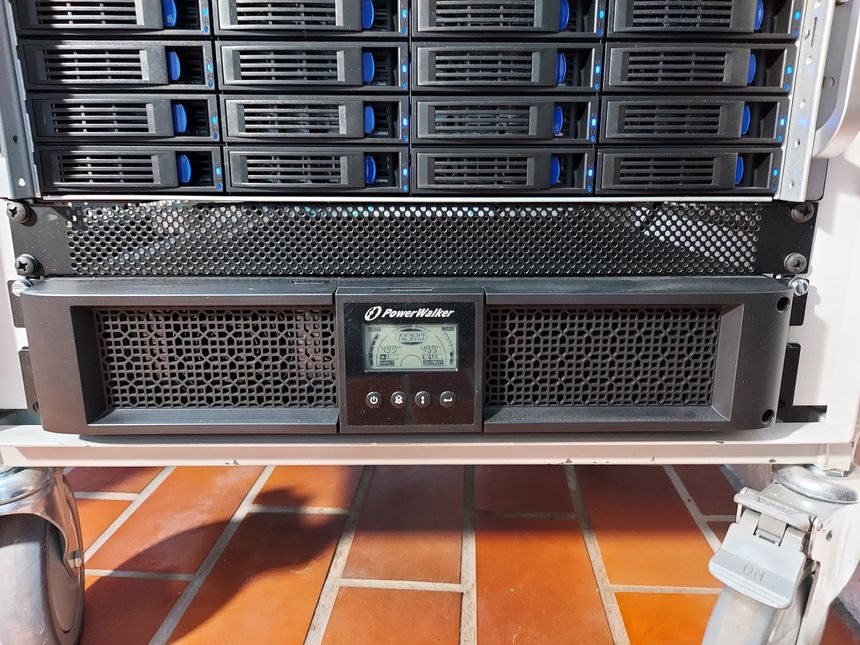
I’m using a Raspberry Pi to communicate with the power equipment in my homelab rack; the UPS, ATS and PDU. For the UPS, I’m using NUT (Network UPS Tools), and for the ATS and PDU; my own PowerWalker Python library.

In this post I’ll be going through how I’ve set up the NUT server to communicate with my PowerWalker VI 1500 RT HID UPS, and NUT clients running on all other physical machines in the rack.

Read more →

Being a person that writes

Being a person that writes

In 2021 I wrote 69 blog posts, which is an all time record for me. In 2022 — I’m going to try and keep it going 🙂

Read more →

Altibox native dual-stack IPv6 on EdgeRouter

Altibox native dual-stack IPv6 on EdgeRouter

I recently decided to give Altibox and their 6rd implementation another go — searching the interwebs I stumbled upon a Norwegian forum post that read (translation by me):

Altibox offers native dual-stack IPv6 if your home central is in bridge mode. You get a /56 prefix though DHCPv6-PD (prefix delegation) and can split it into multiple /64 networks. (…) — sveinse

WHAT!? Really? They offer native dual-stack IPv6 with DHCPv6-PD? Let’s test it! 🥳

Read more →

Sharing routes between MikroTik and VyOS — using OSPF

Sharing routes between MikroTik and VyOS — using OSPF

Planning out my new network topology; I wanted to use multiple routers — and have them share routes between them. So I started looking into OSPF.

I made a simple lab in EVE-NG, and set up route sharing between MikroTik’s RouterOS and VyOS.

Read more →

Altibox fiber — straight into Ubiquiti EdgeRouter

Altibox fiber — straight into Ubiquiti EdgeRouter

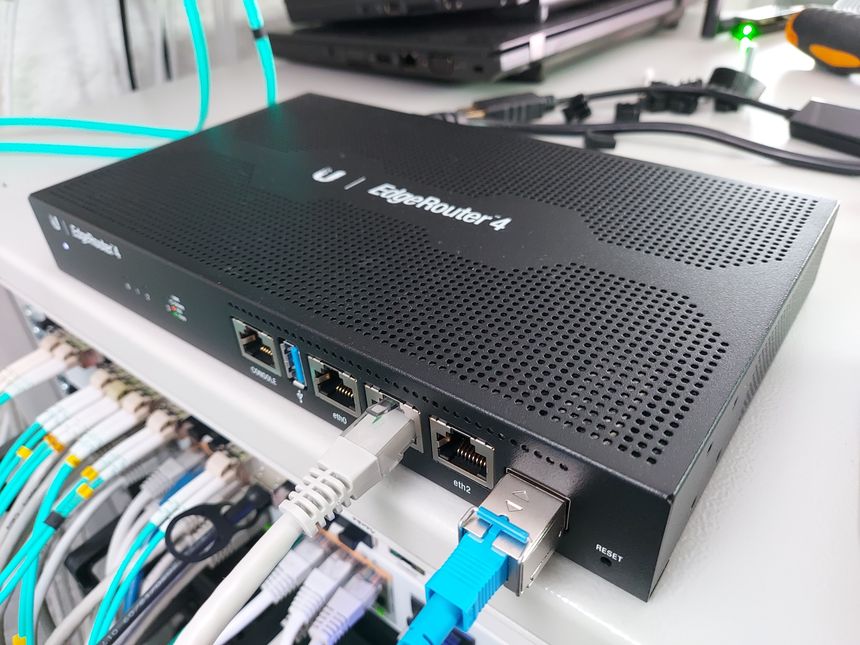
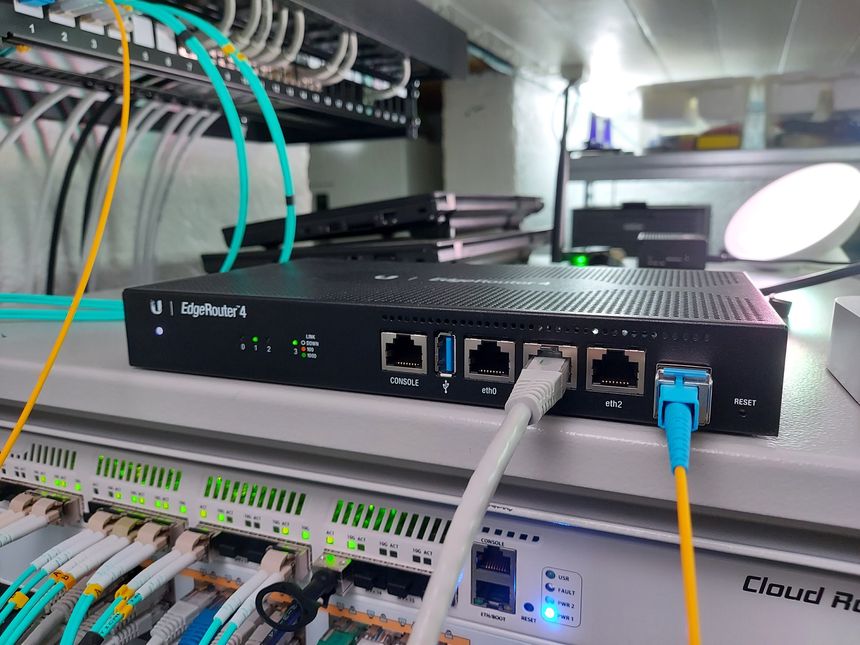
Back in August I wrote about connecting my ISP (Altibox) fiber straight into the Mikrotik CCR1009. I’ve since decided not to include the CCR in my network stack, but instead use my EdgeRouter 4 as, well — the edge router, and VyOS to route the local networks.

So I moved the SFP module and fiber from the CCR — to the EdgeRouter 4 👇

Read more →

Using Tibber to control a smart plug — through Home Assistant

Using Tibber to control a smart plug — through Home Assistant

We’re using Tibber as our electricity supplier — we have the Tibber Pulse reading our power usage and making it available in Home Assistant, through an integration.

But Tibber also controls our heat-pump, by interfacing a Sensibo Sky. Tibber’s smart heating control takes multiple factors into account; outside temperature, power price, thermal inertia. A clever algorithm, made by clever people — it works really well 🙂

I found an easy way to “hook into” this heat control, using a simple Home Assistant automation.

Read more →

Wi-Fi relays for controlling ventilation — WeMos D1, MQTT, and Home Assistant

Wi-Fi relays for controlling ventilation — WeMos D1, MQTT, and Home Assistant

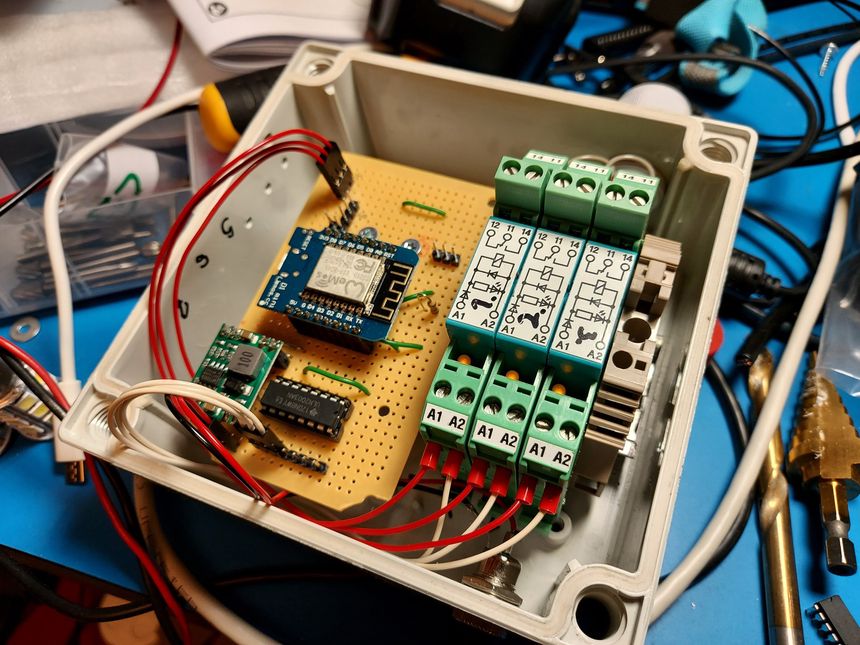
We recently got balanced ventilation installed, and I have interfaced it with Home Assistant. However — the ventilation unit have three “special modes” that can not be enabled through the Modbus interface; fireplace, kitchen, and override. These can only be set on the touch panel, mobile app, or through inputs terminals on the controller.

So I repurposed an old project and made a three-relay Wi-Fi controlled module, using MQTT to send commands and receive statuses.

Then used Home Assistant to automate it 🙂

Read more →

Making a manual security alarm in Home Assistant

Making a manual security alarm in Home Assistant

Using a few cheap sensors, a wireless keypad, Zigbee2MQTT and Home Assistant; I was able to get a basic security alarm up and running during a free afternoon 🙂

Read more →