Interfacing Komfovent C6 in Home Assistant

Interfacing Komfovent C6 in Home Assistant

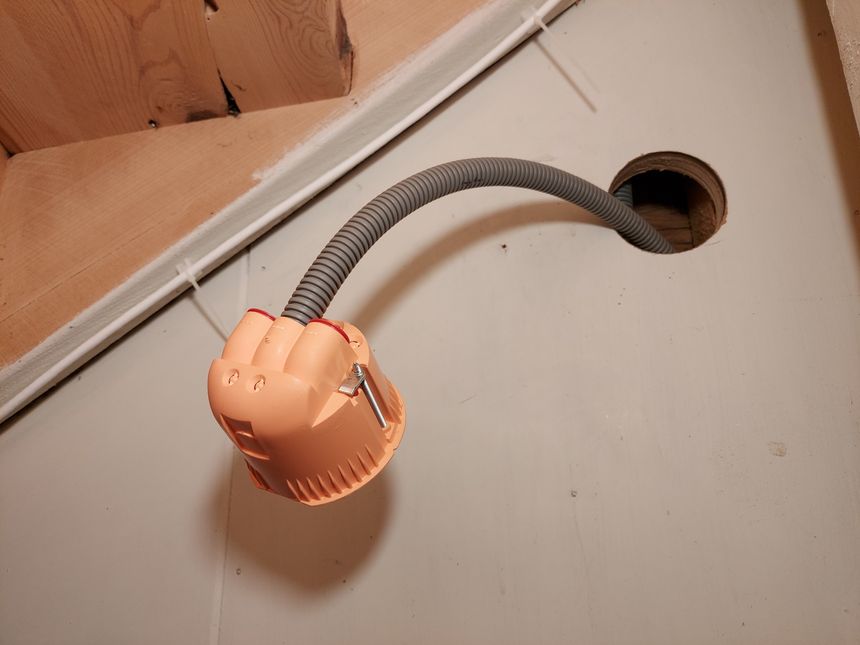
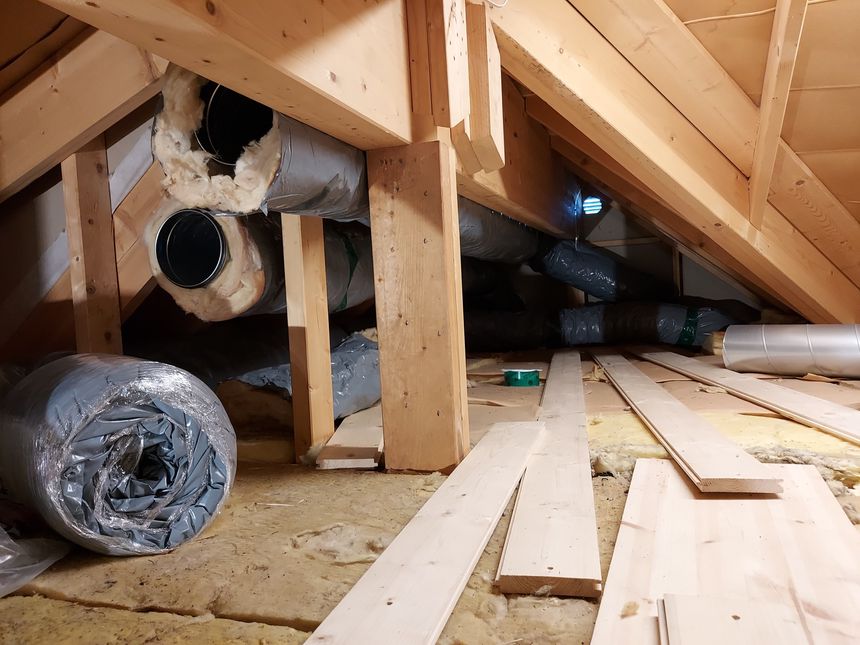
We recently got balanced ventilation installed, and discovered that our ventilation unit has Modbus TCP/IP support. I even found a thread on the Home Assistant community talking about interfacing the C6 controller, which our unit has, into Home Assistant 😃

Here is my implementation 👇
Read more →

Getting balanced ventilation installed

Getting balanced ventilation installed

Our house was first built as a log cabin in 1890, then extended in the 1950s, and again extended and completely renovated in 2000. It’s well insulated, and has no drafts — it seems to be relatively airtight.

Great for keeping the heat in, not so great for the air quality. Add the fact that we didn’t have a single fresh air vent, only those tiny trickle vents above the windows. What you are left with is a house with bad air quality.

So we installed a balanced ventilation system 🙂

Read more →

Moving CAT6 cable for access point; inside the wall

Moving CAT6 cable for access point; inside the wall

The first network run I did in this house — was to the hallway access point. It ran along the basement stairwell ceiling, through the basement, and into the home office.

Since I’m already running hidden network cables in the same area, I figured why not hide this one as well 🙂

Invisible cables are the best kind of cables!

Read more →

Turning Hugo aliases into AWS S3 redirects

Turning Hugo aliases into AWS S3 redirects

I’m hosting this blog on AWS S3 and Cloudfront. One disadvantage with S3 is that it doesn’t have a simple way of creating redirects — like Netlify, Firebase, or even Nginx.

But there is way; using the AWS CLI, put-object, and the x-amz-website-redirect-location metadata.

Here’s how 👇

Read more →

Controlling the Raspberry Pi HDMI port — with MQTT and Home Assistant

Controlling the Raspberry Pi HDMI port — with MQTT and Home Assistant

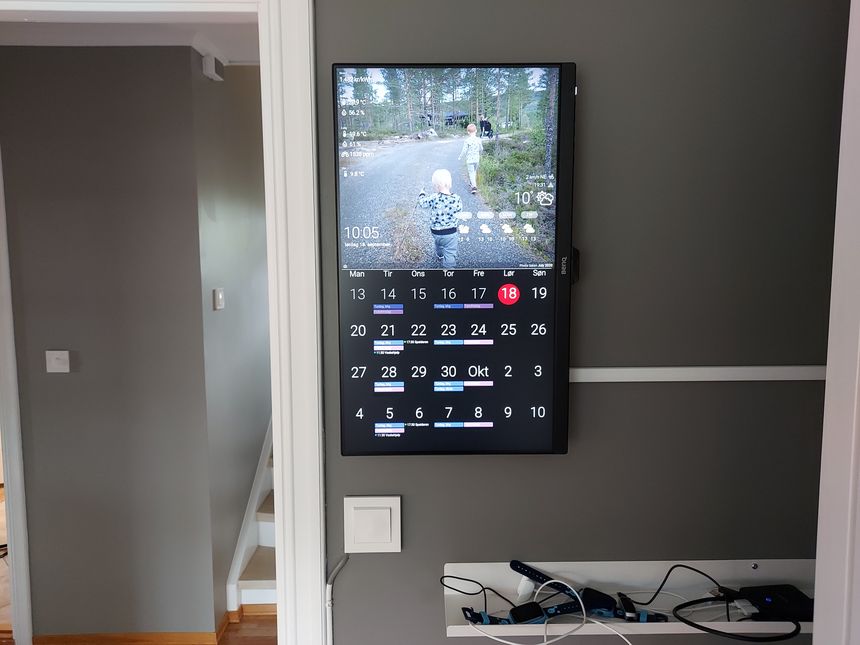
We have a Raspberry Pi driven digital calendar in the kitchen. I’m currently using crontab to turn the HDMI port off at night, and when we’re at work.

But a much more flexible solution is to control it using MQTT and Home Assistant. That way it can easily be automated to turn on when we’re home, if there is movement in the kitchen, or any number of conditions.

It’s really quite easy to do, here’s how 👇

Read more →

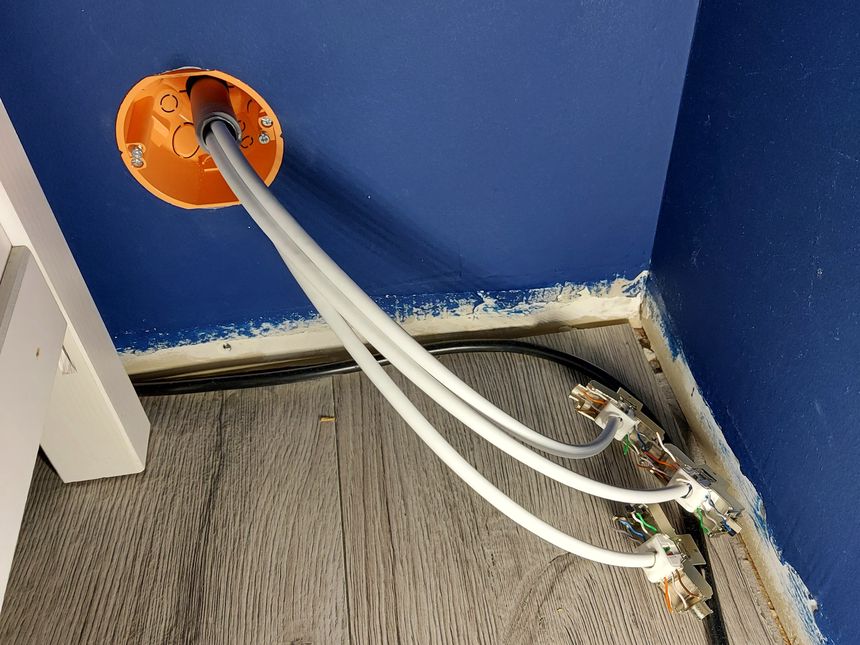
Running three CAT6 cables to the living room TV bench

Running three CAT6 cables to the living room TV bench

Ever since we bought the house, last year, I’ve been planning to run wired network to the living room TV and media center — it’s time to finally get that done 🙂

Read more →

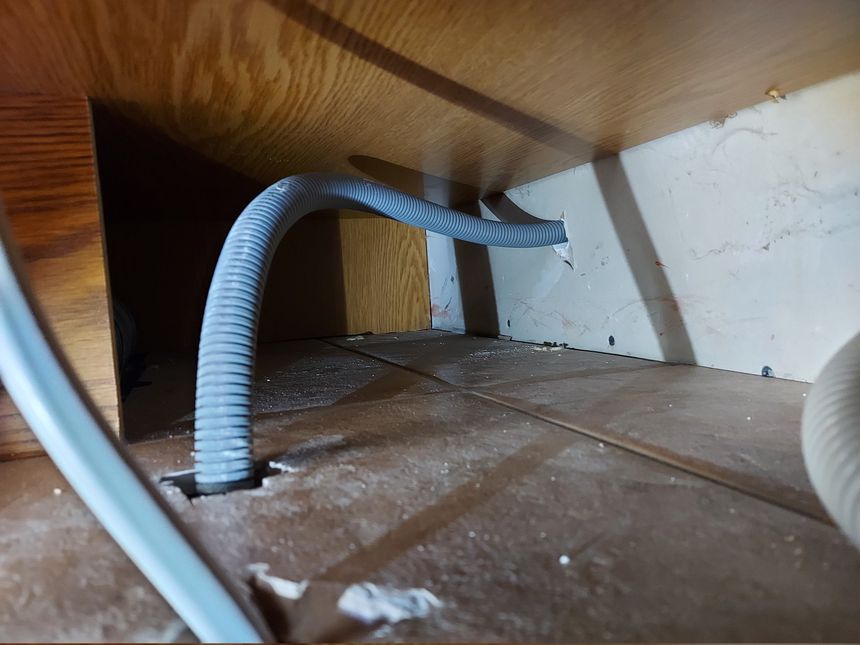
Running two CAT6 cables to the play room

Running two CAT6 cables to the play room

We recently got a family computer in our play room, and it of course needs network. So I ran a 20 mm conduit from the basement, through the kitchen, to the play room, and pulled two CAT6 cables.

Read more →

Downgrading Unifi APs from 5.43.43 to 4.3.28

Downgrading Unifi APs from 5.43.43 to 4.3.28

Shortly after I upgraded my Unifi access points from 4.3.28 to 5.43.43; I started getting timeout issues. Not all devices, but some; the Raspberry Pi driving our DAKboard, and both our Netatmo air quality sensors.

It took me a while to understand what was happening, and I didn’t immediately relate it to the firmware upgrade.

Read more →

Electronics lab equipment

Electronics lab equipment

When I got serious about my electronics lab — I found it useful to see what equipment other people have in their labs. I got a lot of information from EEVblog’s video on How To Set Up An Electronics Lab.

So — here is my contribution 🙂 Below you’ll find a list and photo gallery of my electronics lab equipment 👇

Read more →

DAKboard external data — using Home Assistant

DAKboard external data — using Home Assistant

Earlier this year I put up a Raspberry Pi powered DAKboard display. It shows photos from our Google Photos albums, the time and weather, and most importantly; our shared calendar.

But I’d like it to show some custom data as well — like indoor temperature and humidity. And the measured outdoor temperature, not just the one reported from the weather service.

Here is how I did that — using Home Assistant 👇

Read more →